Look, then confirm
A match opens a card with their photo and the next punch type. Four seconds to confirm, or tap the other type.
No PIN to forgetNo badge to lendNo line to join
MS
Maria Santos
Employee 1042
Time in
4sor tap Time out
DTR and timekeeping for offices — no fingerprint scanner to buy. Your team looks at an iPad, Android tablet, or phone you already own. The punch writes itself, online or offline.
North Branch
Reception
07:58
Look at the camera
Maria Santos
Employee 1042
Time in
Time in 07:58
Today
3 punches
Maria Santos
Time in
Paolo Reyes
Time out
Aisha Cruz
Time in
Ken Villa
Time in
Same roster on every paired device.
Enroll, punch, and pay run in one line. Jump to any chapter, or let it loop.
A quiet desk clock and a workspace behind it. No extra app — iPad, Android tablet, or phone.
A match opens a card with their photo and the next punch type. Four seconds to confirm, or tap the other type.
Maria Santos
Employee 1042
Time in
4sor tap Time out
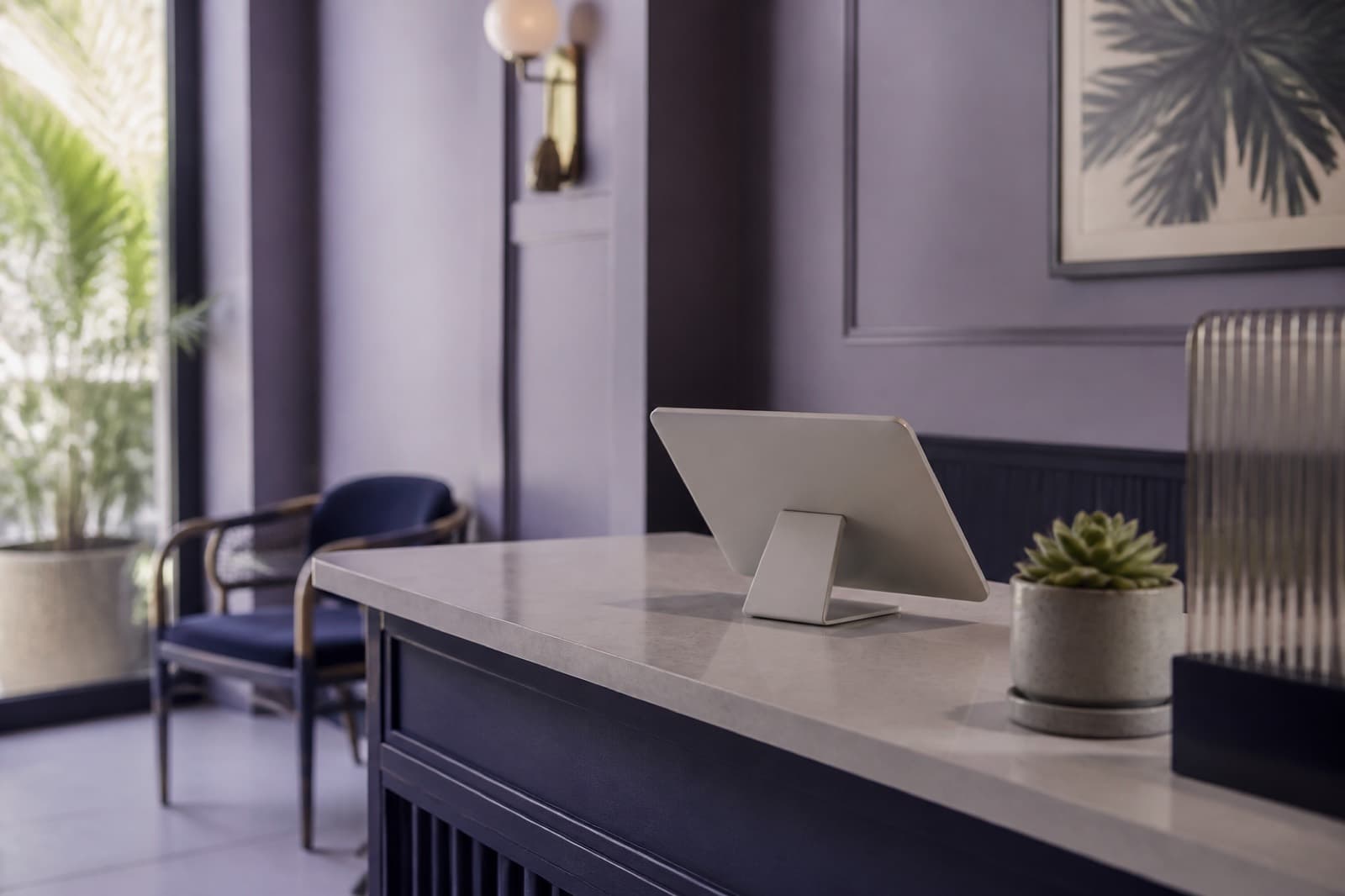
Open the kiosk page, set a device password, and leave it at the desk.
Punches wait on the tablet and sync themselves when the line comes back.
Enroll once in the workspace. Every paired tablet shares the roster.
Only math templates sync. The picture stays where it was captured.
Enroll once, pair any phone or tablet, then look to punch. Two steps happen once. The third is the whole workday.
Add someone once. Capture a few looks so the tablet can recognize them later.
Set a device password, open the kiosk page, and leave the phone or tablet at the desk.
They face the camera. A confirm card appears. The punch writes, even offline.
Every new workspace opens on a 7 day Starter trial, no card. Launch prices last the first 3 months, then the regular rate. No setup fee, no hardware to buy.
Launch pricing, first 3 months: Starter ₱199, others 30% off
7 day Starter trial on every workspace
₱199
/mo
₱299 first 3 months, then ₱299/mo
devices
people
₱419
/mo
₱599 first 3 months, then ₱599/mo
devices
people
₱1,049
/mo
₱1,499 first 3 months, then ₱1,499/mo
devices
people
₱2,449
/mo
₱3,499 first 3 months, then ₱3,499/mo
devices
people
Recognition runs on the tablet. The workspace stores embeddings, not portraits. A paired clock keeps working through outages because the roster is already there.

Attendance on any phone or tablet. No biometric scanner, no extra hardware.
Create the workspace, add people, then pair the phone or tablet you already own.